

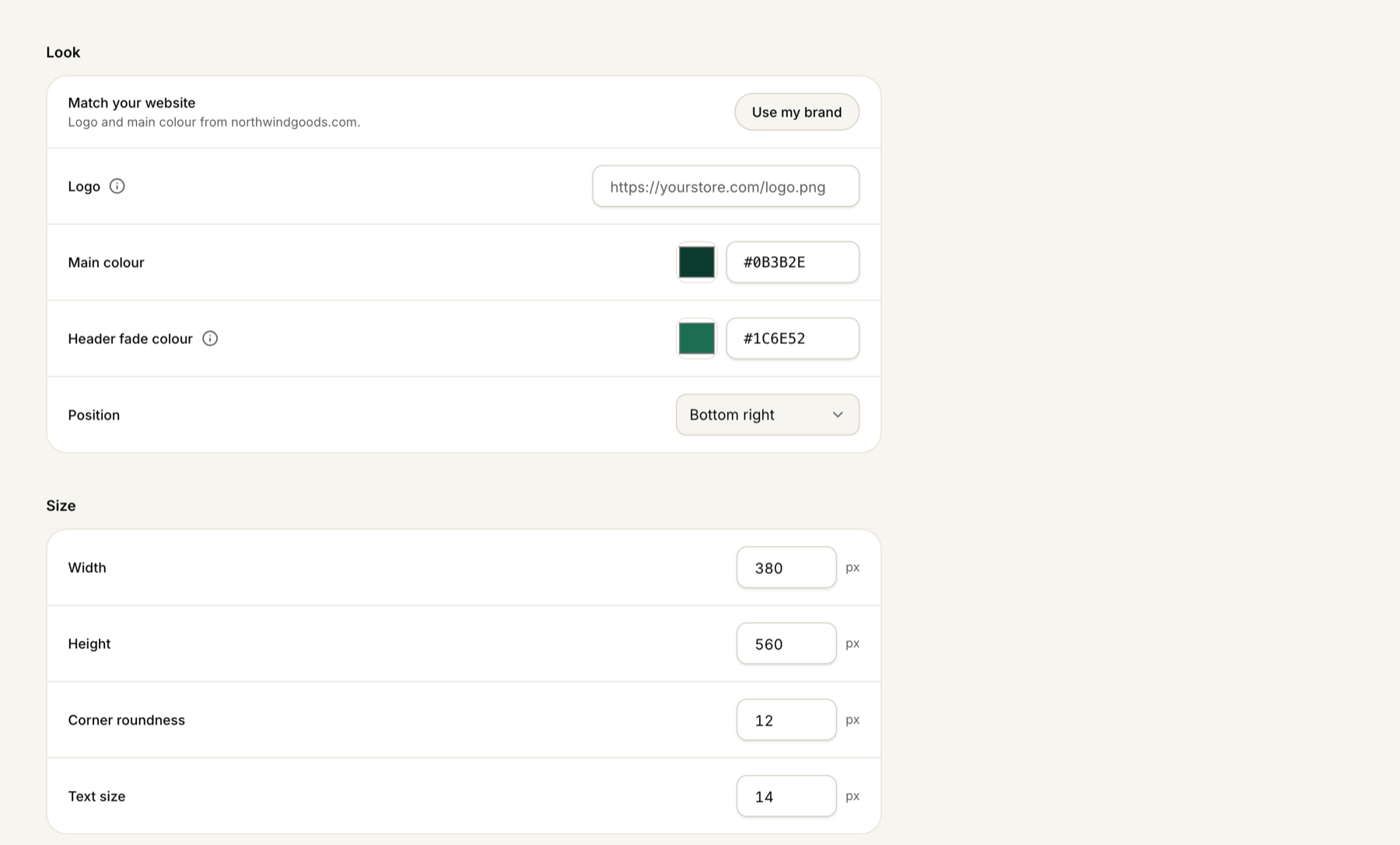
- Under Look: Logo, Main colour, Header fade colour and Position
- Under Size: Width, Height, Corner roundness and Text size
All the look settings are on the Website tab.
ZynfoAI has no custom CSS setting for the chat widget. What you can change on the AI agent page instead, and who to contact if you need more.
All the look settings are on the Website tab.