
Answer support questions

Add your help pages, FAQs, policies and manuals. The agent answers questions like “How do I reset my password?” or “What’s your returns policy?” from them, and can link to the page it used. When it can’t help, or the customer asks for a person, a teammate takes over in the Inbox with the whole conversation. Outside your hours, the request becomes a ticket your team follows up.
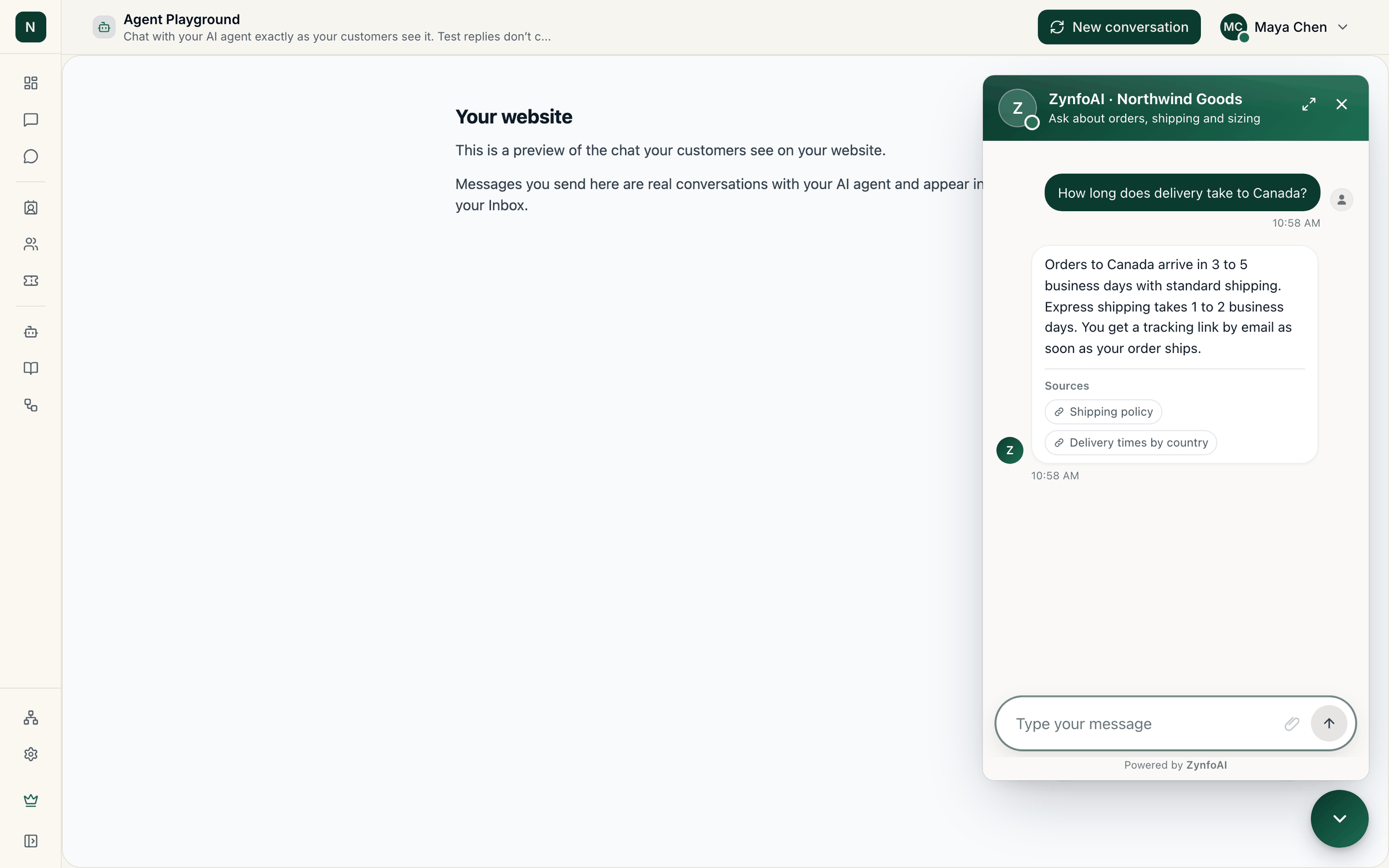
Chat answering a question about delivery time to Canada, with the shipping policy and delivery times pages listed as sources.

An answer with the sources it used, with sample data.

Set it up: Train your AI agent, Live chat, Tickets.

Turn website visits into leads

The agent answers a visitor’s questions about your service and asks for their details when they’re interested. Each lead is saved with a score, so your team calls the most promising ones first, and can be sent to Freshsales automatically. Set it up: Leads, Freshsales.

Help Shopify shoppers

With the Shopify app, the agent recommends products and adds them to the cart, answers “Where’s my order?” for signed-in customers, cancels orders that haven’t shipped (after the customer confirms), starts returns and offers a discount code you choose. Set it up: ZynfoAI for Shopify.

Answer customers on WhatsApp

Connect your WhatsApp Business number and the same agent answers there, in the customer’s language, with buttons and lists for products and choices. Your team takes over WhatsApp chats in the same Inbox. Set it up: WhatsApp Business.

Answer your team’s questions

Add your handbooks, policies and internal docs as Google Docs or files, and your team can ask the agent instead of searching for the right document. Keep the widget on a page only your team uses, and limit it to your own websites under Allowed websites on the Website tab of the AI agent page. Set it up: Widget behaviour and settings.