

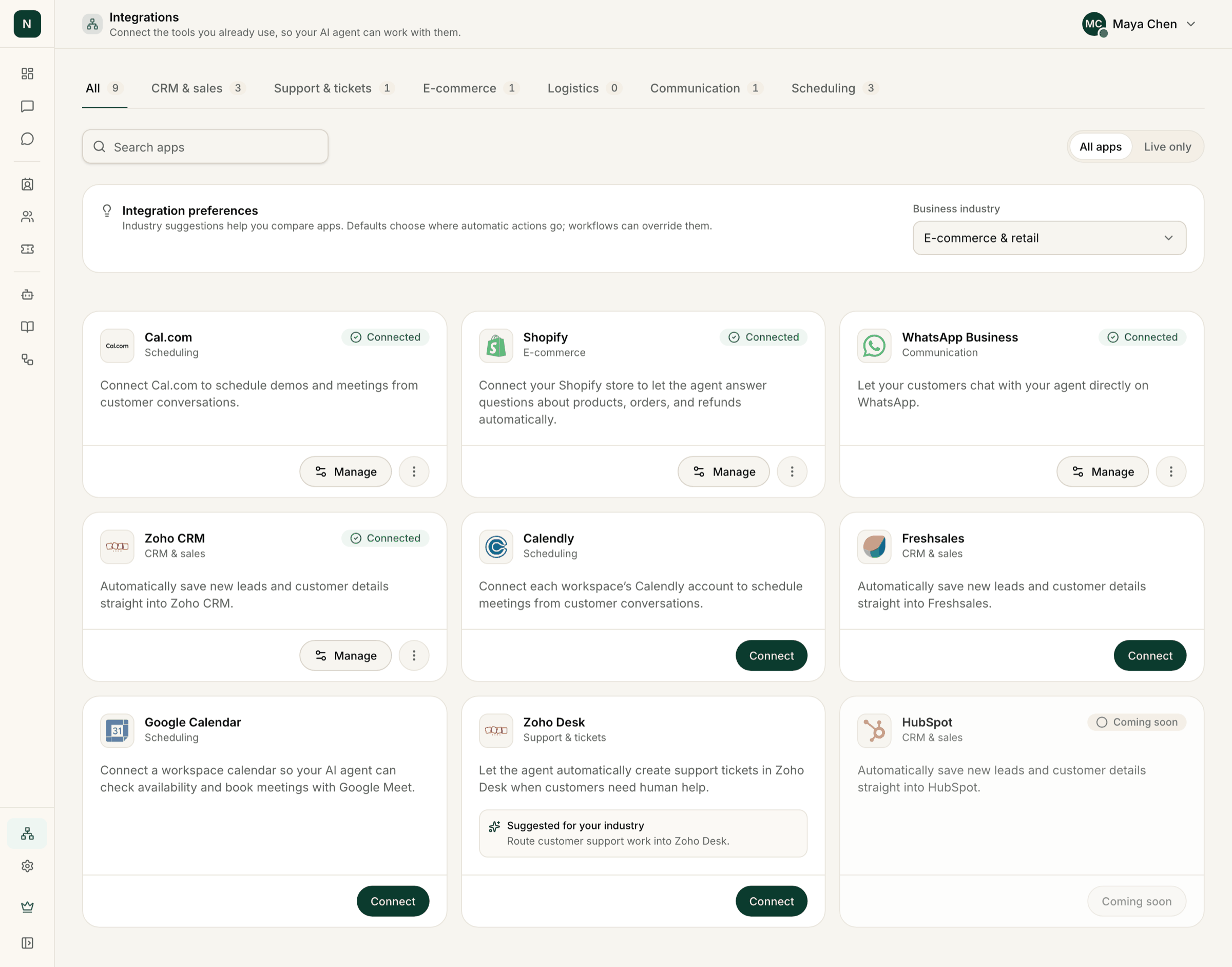
The Integrations page with category tabs, search and Integration preferences.
Available now
Your website chat widget doesn’t need an integration: see Add the chat widget to your website.
Integration preferences
If you can change integrations, a card called Integration preferences sits at the top of the page. It has two settings.- Business industry: choose your industry from the list. Cards for apps that fit it then show Suggested for your industry with a short reason. Suggestions only help you compare apps: nothing connects by itself.
- Default apps: shown once you have connected more than one app in the same category. Choose which connected app each category uses, or Choose in each workflow. A Save to your CRM or Create a ticket in your helpdesk workflow step uses the default unless you pick another app in that step. A Book a meeting step uses the calendar that has Use this integration for AI demo bookings ticked. Disconnecting an app clears its default.
New leads are sent to your connected CRM automatically, outside workflows. If you connect more than
one CRM, connect only the one you want leads in: the default app setting doesn’t choose between them
for that automatic sending.