ZynfoAI gives your business an AI agent that answers customers on your website and on WhatsApp. It answers from your own content, and hands the conversation to your team when a person is needed.
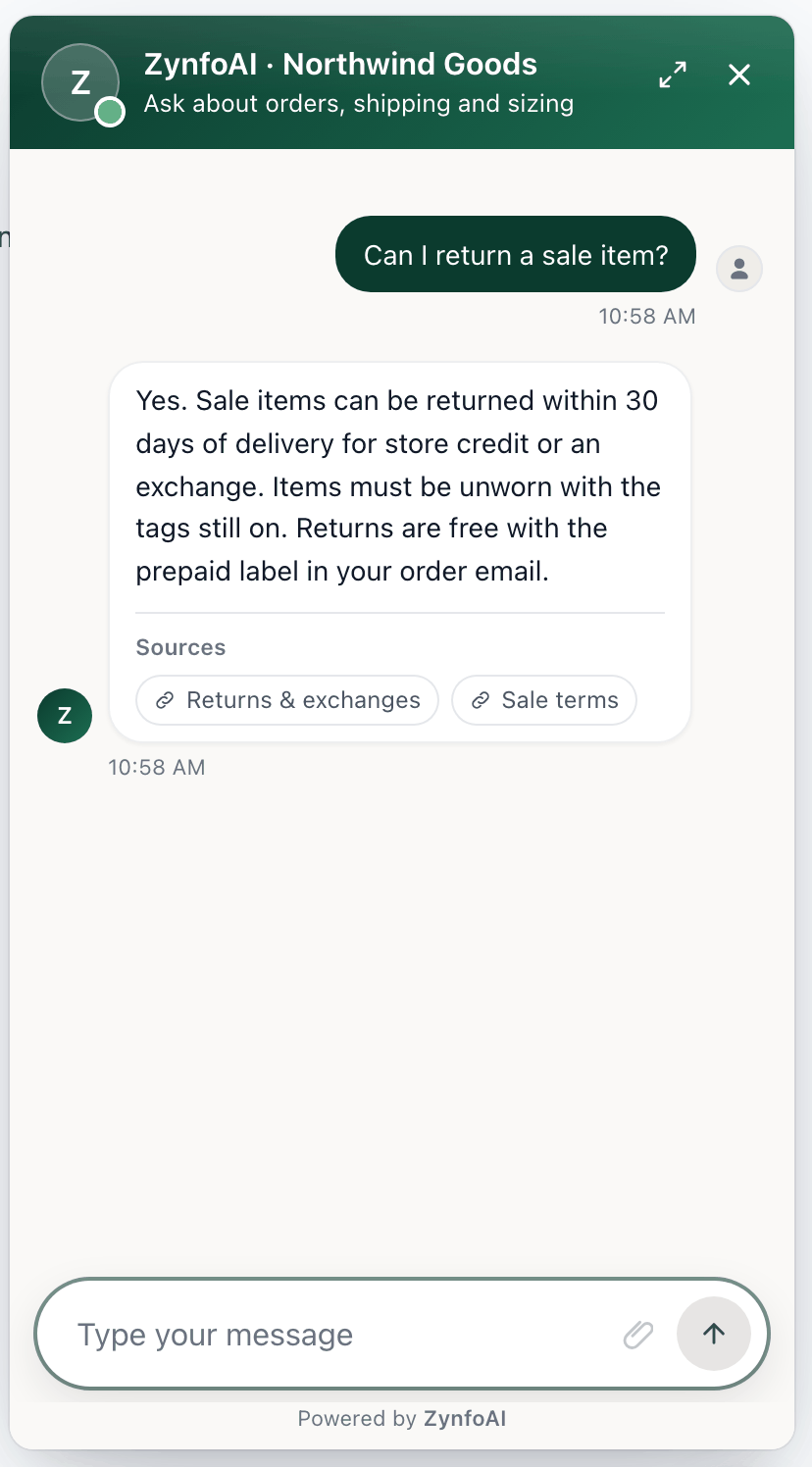
Chat widget answering a question about returning a sale item, with two source links under the answer.

The chat widget answering a returns question, with sample data.

What it does

  • Answers from your content. Add your website pages, PDF, Word and Excel files, and Google Docs and Sheets. The agent answers from those, and can link to the page it used.
  • Works on your website and WhatsApp. Add the chat widget to any site with one line of code, or connect a WhatsApp Business number.
  • Hands off to your team. When a customer asks for a person, a teammate takes over the chat in the Inbox and sees the whole conversation (Pro and the trial). Outside your hours, or on Starter, the request becomes a ticket.
  • Captures leads and tickets. Contact details from chats are saved as scored leads, and can go to Freshsales. Follow-ups are saved as tickets your team can assign and answer by email. Each customer has one page with all of it.
  • Helps Shopify shoppers. With the Shopify app, the agent recommends products, looks up a customer’s orders, cancels unfulfilled orders and starts returns.

Plans

Every new account starts with a 7-day trial with everything on, no card needed. Starter is $39 a month and includes 1,000 AI replies a month, 50 knowledge sources and 3 team seats; it’s sold on zynfo.ai for now. Pro is $99 a month and includes 5,000 AI replies a month, 500 knowledge sources and 11 team seats, plus live chat with your team, the email channel, messages outside the chat and WhatsApp broadcast campaigns. Without a paid plan after the trial, the account is on Free: the AI keeps answering from your knowledge base (100 AI replies a month, 15 sources) and the dashboard is read-only. If you use the Shopify app, Pro is billed by Shopify. See Free plan and read-only mode and Plan limits and monthly usage.

Next step

Follow the Quickstart to set up your agent.